MacOS
Minutes of reading: 1
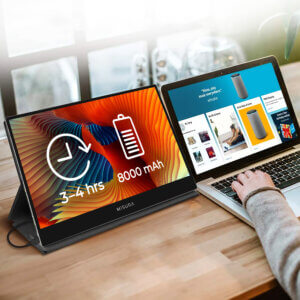
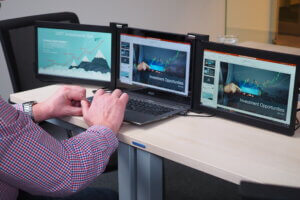
How to connect MISURA portable monitors on your MacBook? Read our how-to guide and see for yourself how simple the process is...
MacOS
Minutes of reading: 1
How to connect MISURA portable monitors on your MacBook? Read our how-to guide and see for yourself how simple the process is...
How to set up MISURA monitors on Mac?
On Mac OS, the monitors work without any problem – even with older devices or operating system versions (Catalina was released in 2019).
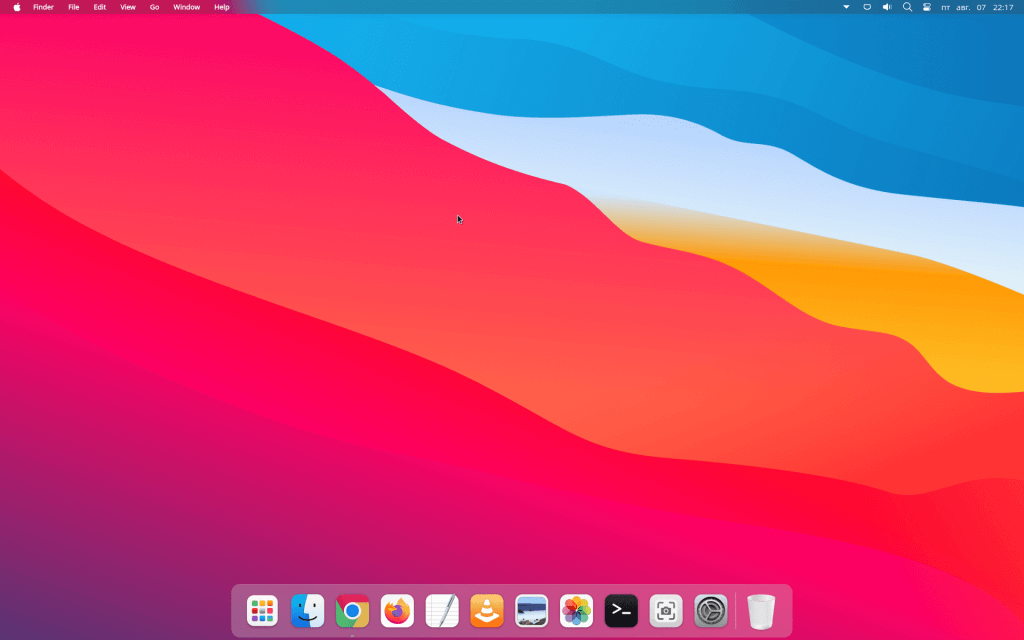
1. To set the monitor position and resolution, go to the “About this Mac” section, switch to monitors, and continue with the Monitor Preferences button.


2. In the layout section, you can then easily set the desired monitor positions on the shared desktop surface.


3. In the layout section, you can then easily set the desired monitor positions on the shared desktop surface.